My computer was seriously running out of storage, so I decided to add a drive. Conveniently, the machine had a spare M.2 slot and a SATA slot, so I wasted no time and bought a 1TB ZhiTai TiPlus5000 on JD's installment plan.
It arrived and I installed it right away, and then the classic problem with this series of computers showed up—it got stuck on the boot logo.
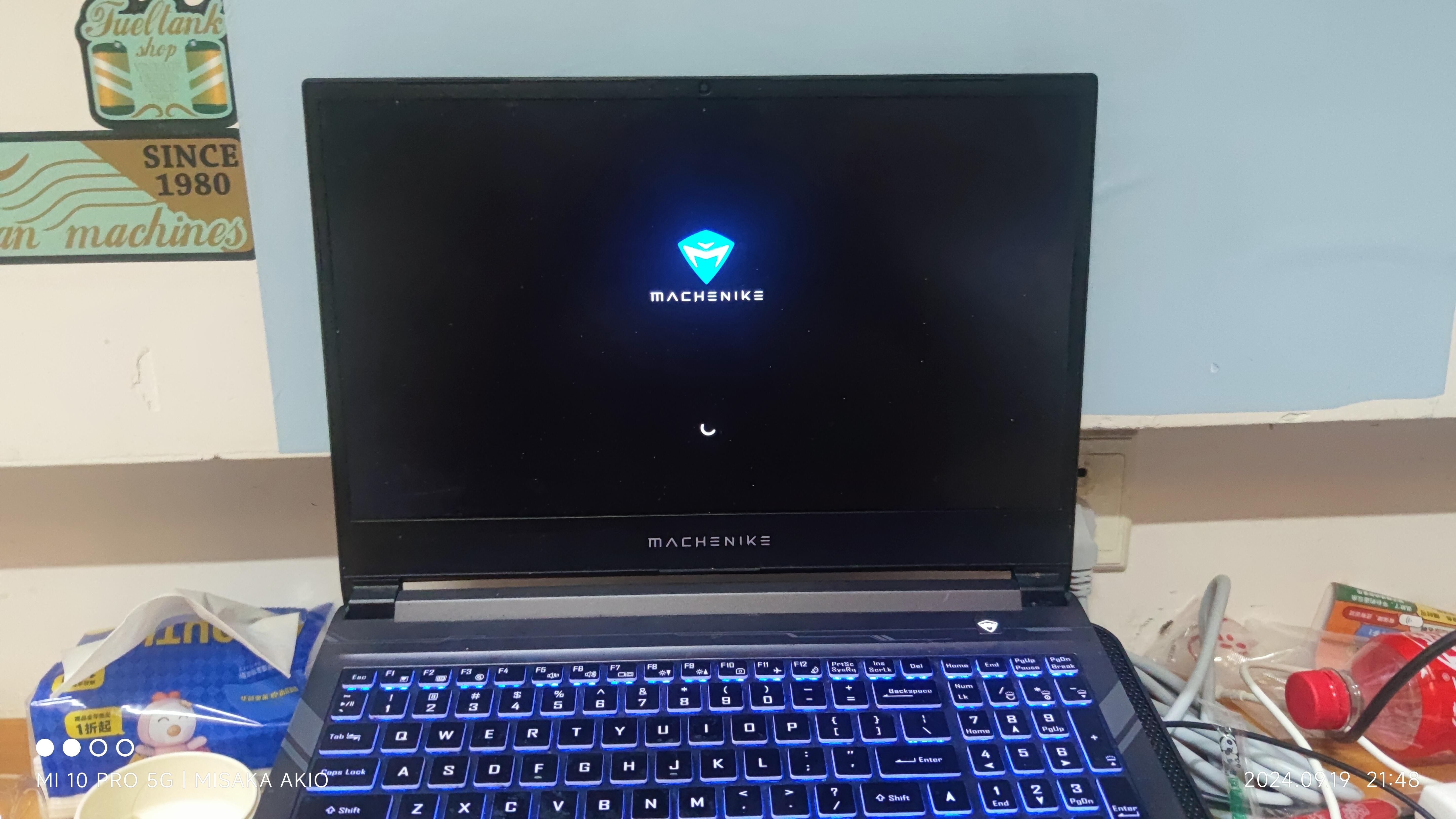
Actually, this issue had already appeared when I upgraded to Windows 11, but back then I solved it by moving the existing drive to a different slot (which is also the most common advice you'll find online). But as it turns out, that wasn't a permanent fix.
Frustrated, I tried all sorts of things, even digging through the BIOS. The drive was being detected fine, which made it all the more infuriating.
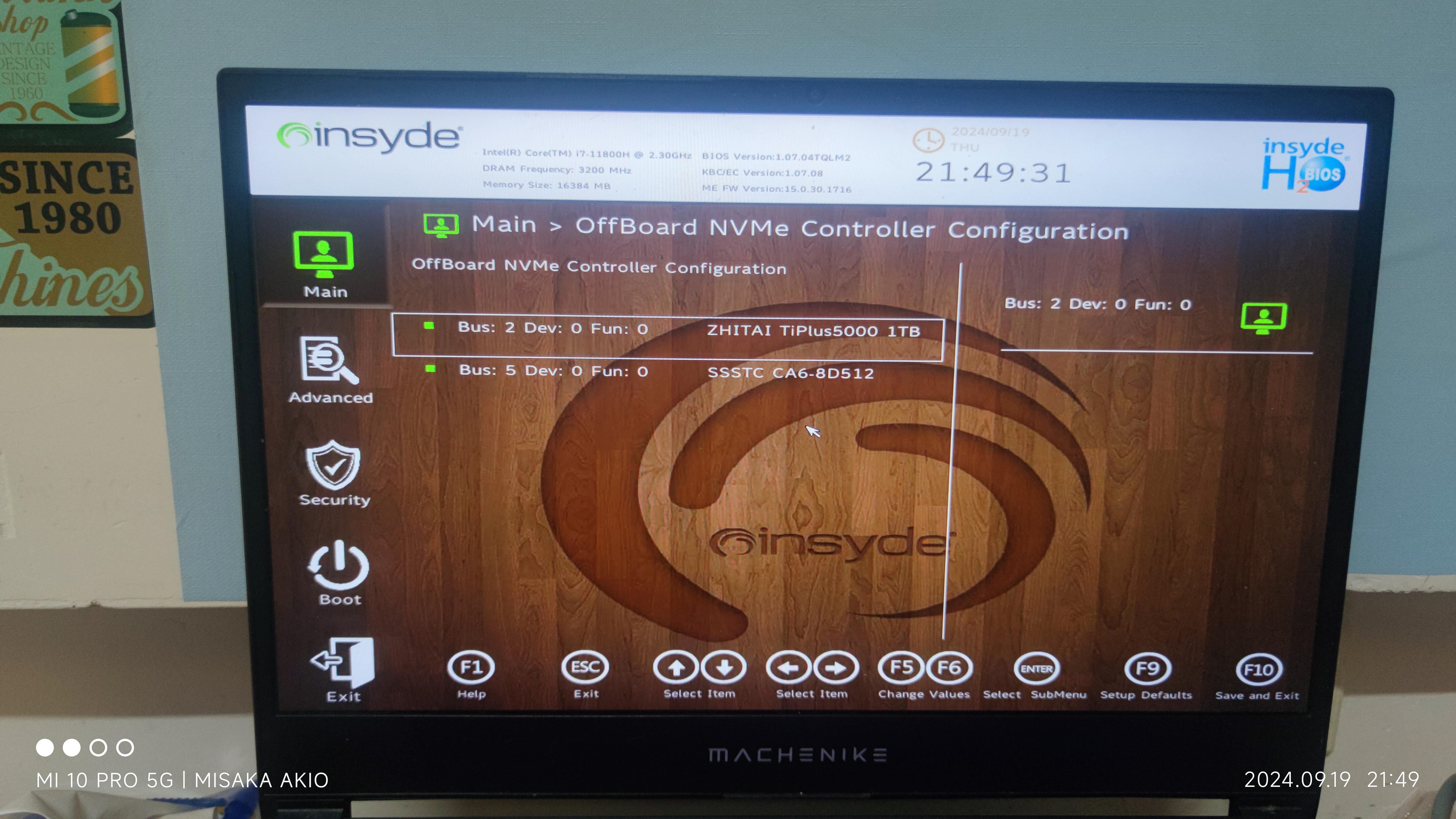
Six hours later (I was at my wit's end), I stumbled upon a post suggesting this might be Intel's fault. And sure enough, it was.
Turns out Intel had introduced some VMD technology at some point, but this computer shipped with it disabled (I think—I've barely touched the BIOS settings, and when I found the option, it was already off). This caused a whole mess of problems, yet none of the posts online mentioned it.
What's more, enabling VMD requires reinstalling the OS, which I figured was a good excuse to clean up my system anyway.
If you don't reinstall...
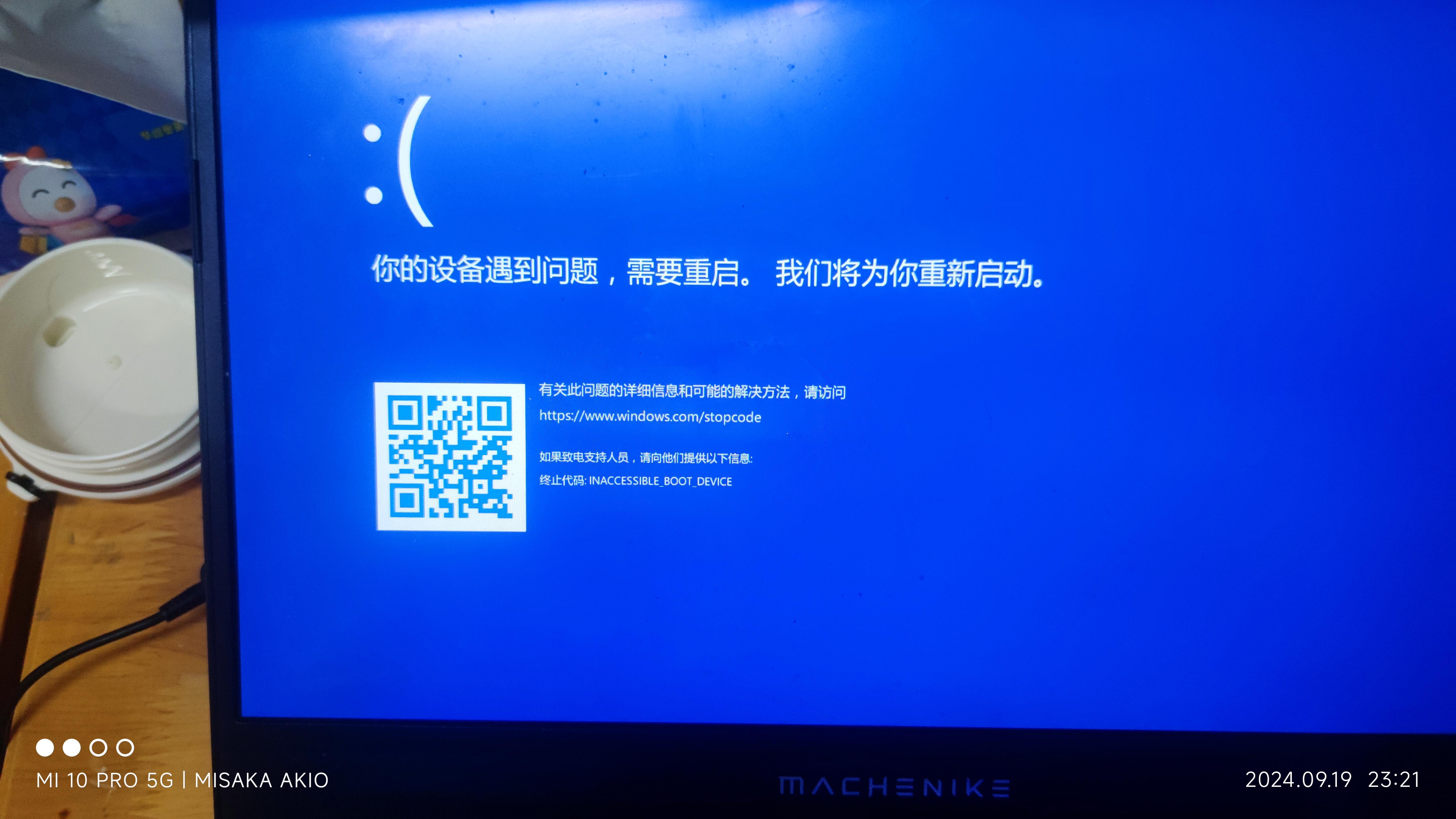
Hello, blue screen. Repairing the bootloader won't fix it.
At this point, I'm not sure whether to blame the second-tier manufacturer or Intel.
By the way, here's the current state of my drives—that mechanical one is about to die.
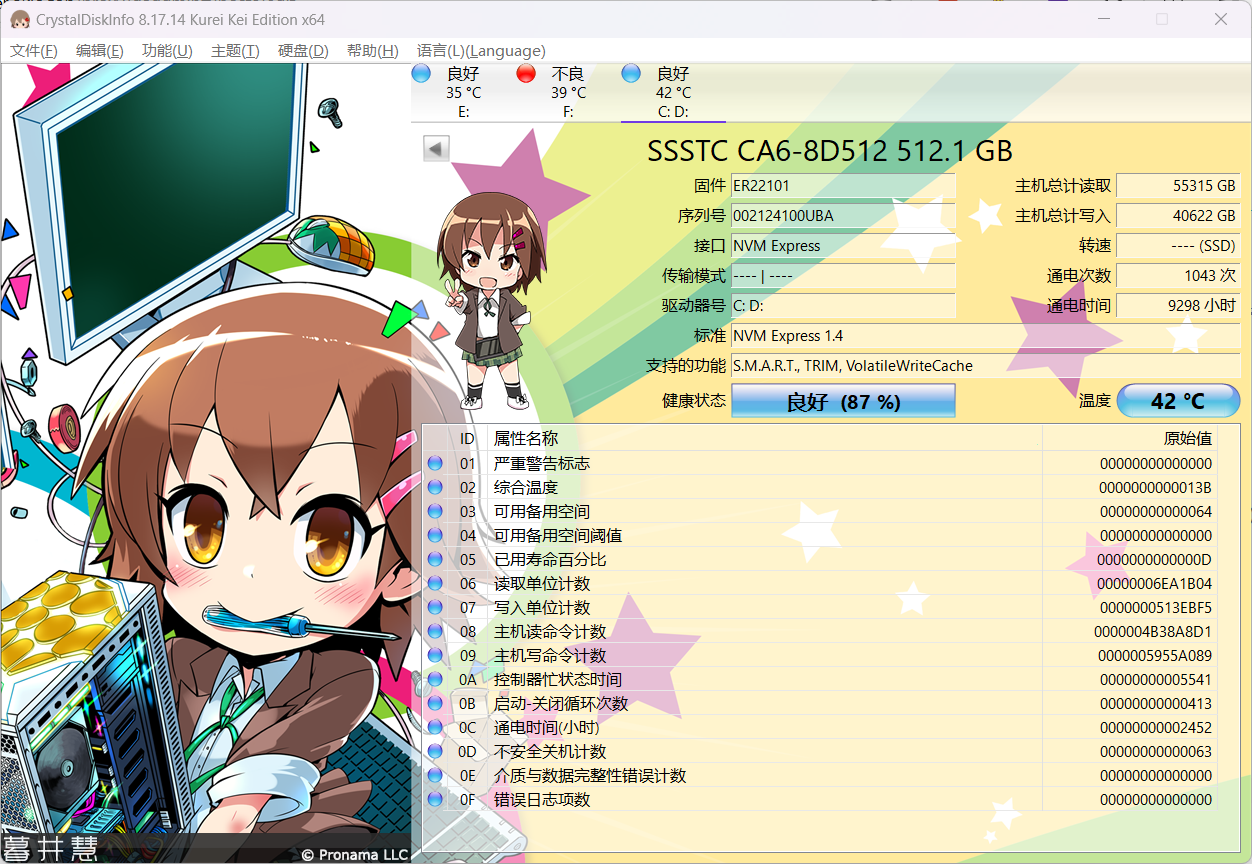
The one that came with the computer
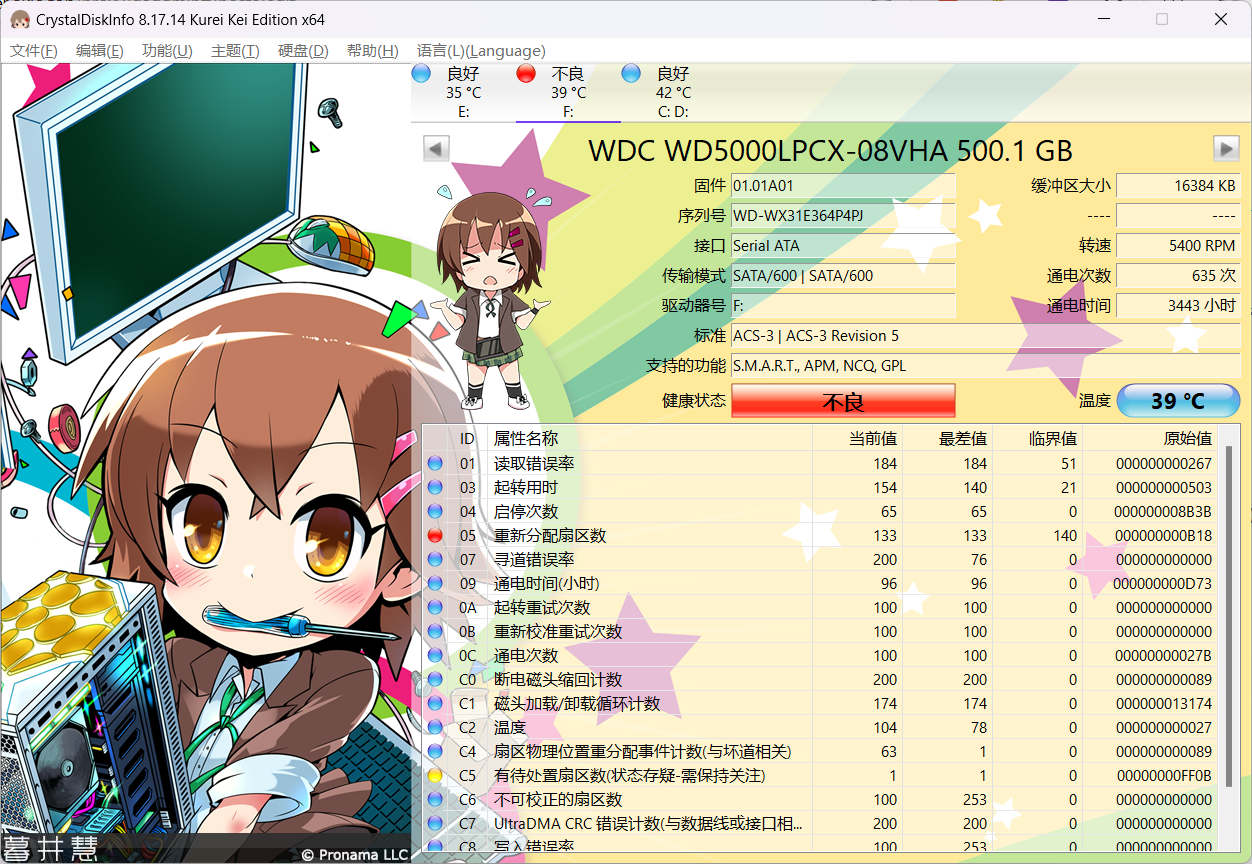
The mechanical drive that's about to explode
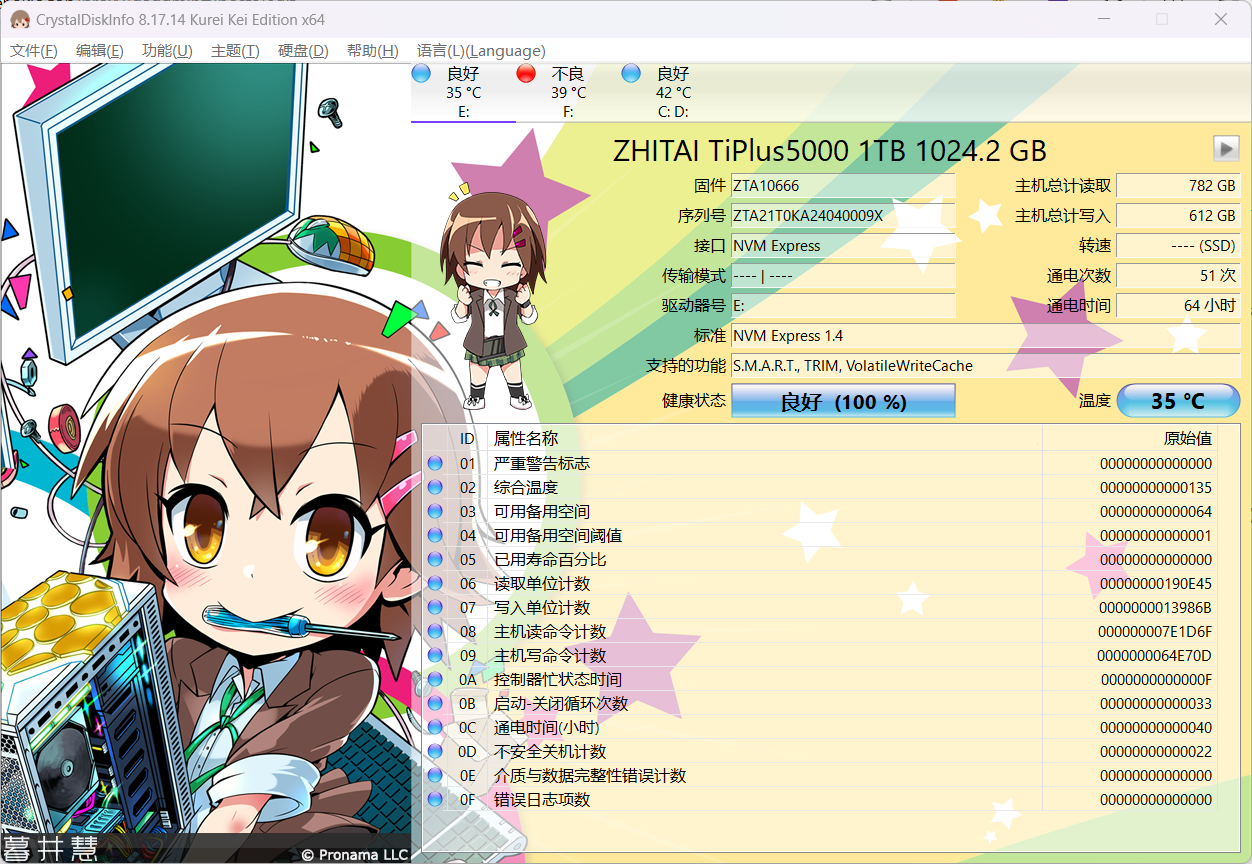
The newly installed ZhiTai
All in all, the quality of this MACHENIKE prebuilt is pretty decent, but tinkering with it can be a real headache.